Info Hot Job Find your dream job! Get for jobs, post your resume, compare salaries and find career advice and research.
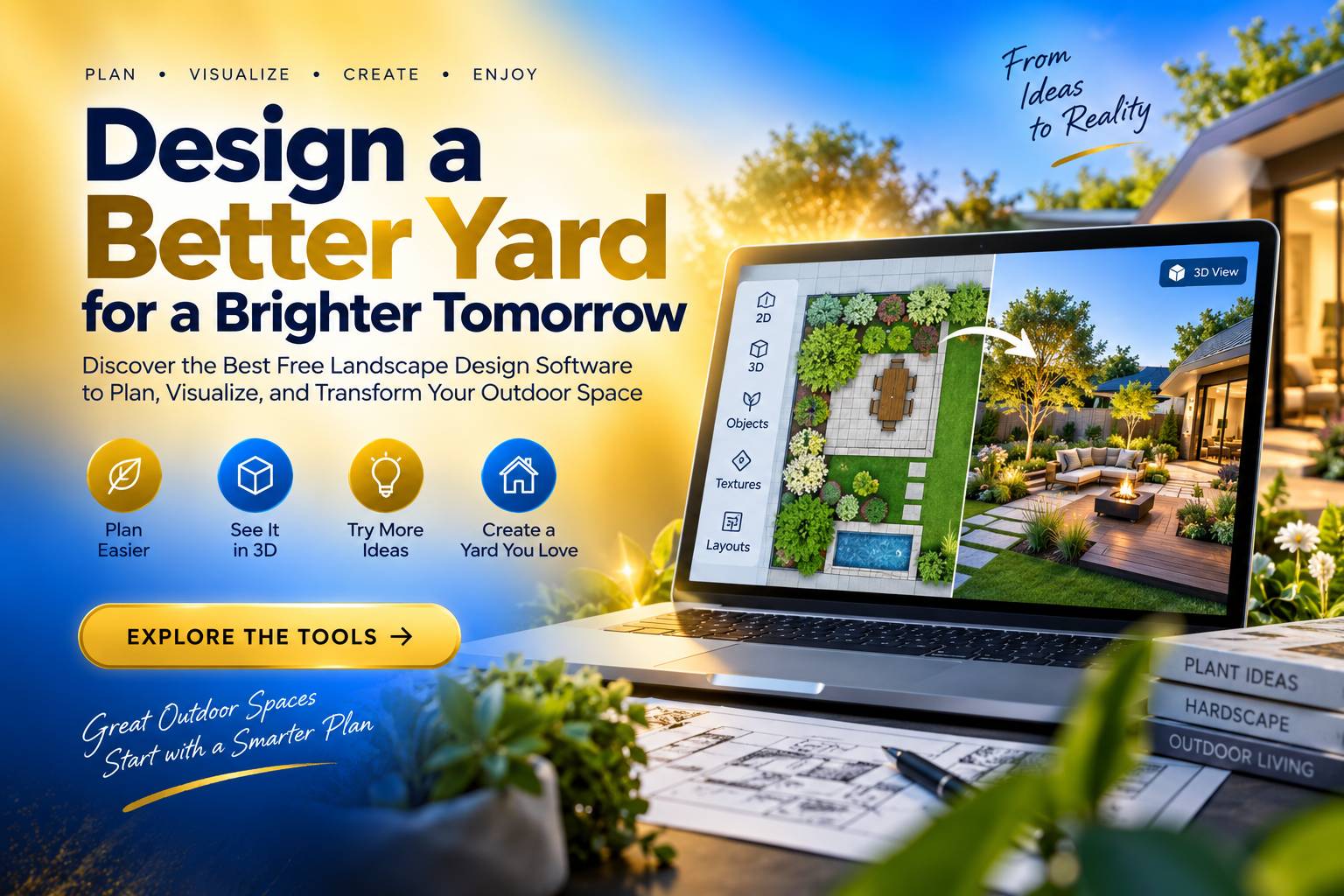
A great landscape can start with a rough sketch, a photo of the yard, and a clear idea of what needs to change. The expensive mistake comes later—when materials have already been purchased and construction starts before anyone knows whether the design actually works.
That’s why Free Landscape Design Software has become a practical starting point for homeowners, students, freelancers, and aspiring landscape professionals. Modern tools can do much more than draw garden beds. They can build layouts, visualize outdoor spaces in 3D, test materials, and compare ideas before real money goes into the project.
Free Landscape Design Software for Realistic Yard Planning
The right tool makes an awkward outdoor space easier to read. Browser-based planners can place lawns, planting areas, walkways, patios, fences, lighting, and outdoor furniture without requiring advanced drafting skills. Some also offer 3D views, which can reveal proportion problems that aren’t obvious on a flat drawing.
Photo-based applications work differently. Users can start with a picture of the existing yard, then try different plants, hardscape elements, furniture, and design styles on top of it. iScape follows this visual approach, while newer AI-powered platforms can generate landscape concepts from photographs.
For many homeowners, that’s more useful than staring at a blank drawing. People usually know what they want to achieve—a larger entertaining area, more privacy, less maintenance, or a better-looking entrance. Seeing several possibilities against the actual property makes those choices easier to compare.
There is a practical limit, though. A convincing rendering isn’t the same thing as a construction plan. Drainage, soil conditions, underground utilities, grading, local regulations, and structural requirements still need proper assessment. Software can help visualize the idea; it can’t make those site conditions disappear.
Free Landscape Design Software for 2D and 3D Projects
Once the project becomes more detailed, dimensions start to matter. Good free landscape design software should allow users to establish property boundaries, organize outdoor zones, position structures, and see how individual elements fit together.
Planner 5D, SketchUp’s free web version, and Sweet Home 3D are among the tools that can serve different parts of this process. Their free capabilities vary. One may be stronger for visualization, another for modeling, while some restrict advanced catalogs, rendering, or export features.
That can make a difference when the software is being used for paid work.
A professional designer can’t rely on a pretty image alone. Measurements need to remain dependable, revisions need to be manageable, and the finished concept has to make sense to clients and contractors. At that point, the application becomes part of the working process, not just something used to experiment with colors and plants.
This idea carries over to other specialized design work. T-shirt design software, for instance, serves a completely different visual purpose, yet users still need tools that turn an idea into an editable and practical design. The software may be different, but the expectation is much the same: it should make the work easier and keep the design process under control.
Free Landscape Design Software and the Limits of “Free”
“Free” can mean several things in the software market. A platform might be completely free, offer a limited free tier, provide trial access, or lock important features behind a subscription. The difference isn’t always obvious when you’re first exploring the interface.
Before investing hours into a project, check what the free version actually allows. Can the design be saved? Are dimensions available? Can the finished plan be exported? Is the object library large enough for the project? Are important features restricted after a certain number of designs?
A few minutes spent checking those limitations can save considerable time later. There’s little value in creating a detailed garden plan only to discover that the file can’t be exported or that essential objects require an upgrade.
The issue is also relevant to people building careers around digital design. Landscape work increasingly involves visualization, client communication, revisions, and project coordination. Knowing how to choose software based on requirements—and not simply popularity—can become a useful professional skill.
A landscape project also has a life beyond the drawing itself. Materials need to be tracked, deadlines coordinated, revisions recorded, and responsibilities clarified. Anyone interested in the technology behind that process can look at project management software design for a broader view of how digital systems keep complicated work organized.
Those skills can extend into technology careers as well. Someone who learns to turn a practical requirement into a workable digital process is developing a mindset used in software development. A software design engineer in Redmond, WA, for example, works at the intersection of technical problem-solving, software functionality, and user requirements.
Both areas start with the same basic challenge: understand what people need, then choose or build a tool that helps them get there. That’s a key concern for software design firms, where usability, workflow, and practical requirements often matter more than visual polish alone. The approach is useful when evaluating landscape software, too; a long feature list means little if the program makes everyday planning harder.
For a landscape designer working directly with clients, the work doesn’t necessarily end when the design is approved. New inquiries, customer details, project discussions, and follow-ups become part of the business. A well-planned CRM software design approach shows how software can be shaped around those recurring tasks, helping a design business manage client relationships while keeping the focus on active projects.
FAQ: Free Landscape Design Software for Beginners
- What is the best Free Landscape Design Software for beginners in 2026?
There isn’t one universal winner because the right choice depends on what you’re designing. Browser-based planners work well for simple layouts, while Planner 5D, SketchUp, and Sweet Home 3D can offer more structured 2D or 3D planning. Photo-based applications are particularly useful when the goal is to test ideas on an existing yard. - Can Free Landscape Design Software be used for professional projects?
Yes. Free software can be useful for early concepts, preliminary layouts, client discussions, and visual presentations. The important limitation is technical accuracy. Professional projects may still require verified measurements, grading information, drainage planning, material specifications, and other documentation that a free design application may not provide. - Is AI-powered landscape design software really free?
Some AI landscape platforms offer free generations or basic design features, but their restrictions vary. A free plan may limit the number of concepts, image resolution, downloads, storage, or access to advanced tools. Before choosing a platform, check whether the free version allows you to save and export the results you need for the intended project.
Free Landscape Design Software gives homeowners and professionals an affordable way to explore ideas, test layouts, and catch design problems before committing money to physical work. The strongest choice isn’t necessarily the platform with the most impressive graphics; it’s the one that fits the project’s requirements, supports practical planning, and remains useful as the design changes. Used with realistic expectations, free software can be a valuable first step toward better landscape decisions and stronger digital design skills.