Info Hot Job Find your dream job! Get for jobs, post your resume, compare salaries and find career advice and research.
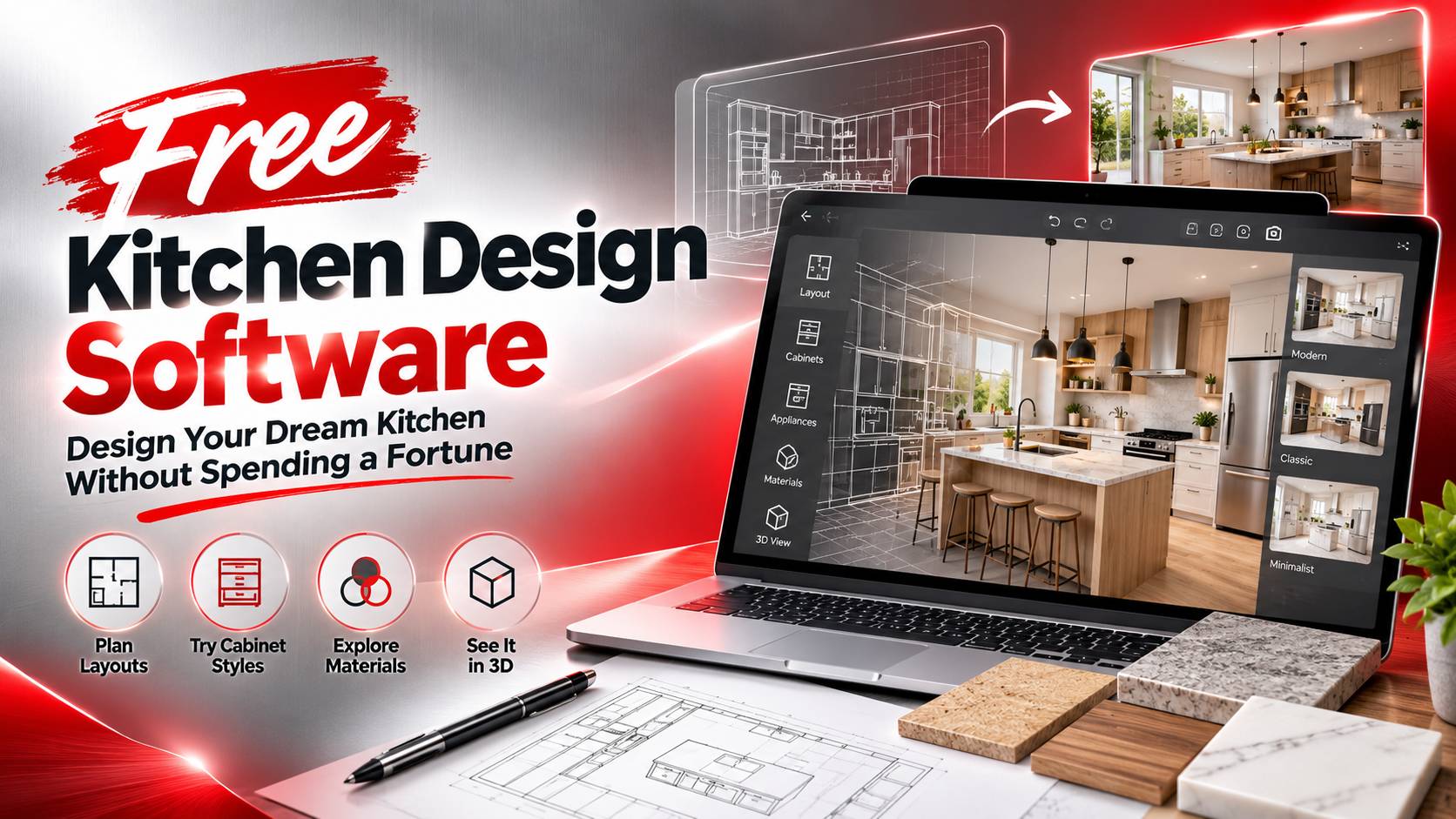
A kitchen renovation can become expensive before construction even begins. Design consultations, cabinet samples, and repeated layout changes can quickly add to the budget, especially when the original plan doesn’t work as expected. Free Kitchen Design Software offers a practical way to test ideas before committing to materials or labor, whether you’re updating a small apartment kitchen or planning a more extensive renovation.
The biggest benefit isn’t simply saving money. A digital layout can reveal awkward appliance placement, wasted storage space, and cramped walkways while changes are still easy to make. For aspiring interior designers, these tools also provide an accessible way to practice spatial planning and build a portfolio. The key is choosing software that matches the project rather than assuming every free application offers the same capabilities.
Why Free Kitchen Design Software Makes Kitchen Planning Easier
A kitchen needs to function well in everyday life, not just look good in a photograph. A refrigerator that blocks a walkway, an oven door that hits an island, or a sink positioned too far from the main preparation area can make routine tasks frustrating. These problems are easier to identify when the room has been mapped out before renovation begins.
Free Kitchen Design Software lets users experiment with cabinet arrangements, appliance positions, countertops, and finishes in a digital environment. Depending on the platform, users can create floor plans, view the room in three dimensions, and compare alternative layouts without physically moving anything.
Consider a narrow kitchen with limited counter space. Moving the refrigerator might improve circulation, but it could also reduce storage or interfere with access to another appliance. A digital model helps users examine these trade-offs before spending money on cabinets or installation.
For homeowners, this preparation can make conversations with contractors more productive. For aspiring designers, it provides an opportunity to practice measurements, spatial reasoning, and visual communication. The software won’t replace construction expertise, but it can help users make more informed design decisions.
Best Free Kitchen Design Software for Different Needs
The right application depends on how much control a project requires. Someone planning a straightforward cabinet arrangement may prefer a simple room planner, while a user developing a detailed three-dimensional concept may need a more flexible modeling tool.
SketchUp Free is a browser-based 3D modeling application that allows users to create and modify spatial models. It can help with exploring kitchen dimensions, cabinetry concepts, and the relationship between objects. Its flexibility is useful for users who want control over the model, although beginners may need time to learn the interface. It also isn’t a dedicated kitchen planner, so some cabinetry workflows may require additional effort.
Sweet Home 3D focuses on interior layouts, furniture placement, and three-dimensional room visualization. Its floor-plan approach can be helpful for beginners who want to see how cabinets, appliances, and other objects fit within a room. The level of detail available for kitchen projects depends on the object library and the technical requirements of the design.
Browser-based room planners offer another option for people who prefer guided interfaces and ready-made objects. Some provide cabinet libraries, material selections, and quick visual previews. However, advanced exports, specialized objects, and detailed rendering may be restricted to paid plans.
These applications serve different purposes. A user who needs to test room proportions may not require sophisticated modeling, while someone building a professional portfolio may want greater control over presentation. Before committing to a platform, check whether it supports project saving, image exports, suitable measurements, and the intended type of use.
Free plans and licensing terms can change, so verify the current conditions directly with the provider. A tool advertised as free may still charge for premium features or impose restrictions on commercial projects.
How to Choose the Best Free Kitchen Design Software
Start with the room itself, not the software’s visual effects. Measure the walls, ceiling height, doors, windows, and existing fixtures. Record the locations of plumbing connections and electrical outlets where relevant. A beautiful model built from inaccurate measurements can create false confidence and lead to costly adjustments later.
Next, look at the features that affect the actual layout. Cabinet and appliance libraries help users test realistic arrangements, while three-dimensional views reveal proportions that may be difficult to judge from a flat drawing. Material libraries are useful when comparing light and dark cabinetry, countertop finishes, and backsplash designs.
Export options matter, too. A homeowner may only need a visual reference for a contractor, whereas an aspiring designer may want polished images for a portfolio. If the project requires technical drawings, confirm that the software supports the necessary dimensions and file formats. A realistic 3D rendering alone doesn’t establish that a design is ready for construction.
It also helps to consider how the kitchen connects to the rest of the home. Flooring, adjoining living spaces, and the overall room layout can influence design decisions. Exploring free home design software can provide additional ideas for coordinating connected rooms and maintaining a consistent residential design.
How Kitchen Design Software Can Support Career Opportunities
Learning a design application is useful, but a strong portfolio should show how the designer thinks. Employers may want evidence that a candidate understands measurements, storage requirements, appliance clearance, material selection, and the practical needs of a household—not simply the ability to produce attractive images.
A useful portfolio project might begin with a compact kitchen that has limited storage and an awkward walkway. The candidate could document the original layout, explain its weaknesses, compare two possible arrangements, and present the final concept through a floor plan and three-dimensional views. This approach demonstrates problem-solving and the ability to justify design decisions.
These projects may support applications for junior interior designer, kitchen planner, cabinetry design, or showroom design positions. However, job requirements vary. Some employers expect familiarity with industry-specific CAD applications, technical drawings, cost estimation, or customer consultations. Reviewing actual vacancies can help candidates identify which skills to develop next.
Related design disciplines can provide additional practice with spatial planning. For instance, free landscape design software introduces outdoor layout planning, while deck design software and its essential professional skills explores another area of residential design. These disciplines aren’t interchangeable, but they share an emphasis on spatial relationships, measurements, and presenting practical solutions.
Readers interested in other creative specializations can explore T-shirt design software to understand a different digital design workflow. Its connection to kitchen planning is limited, but it may help readers compare creative career paths and identify the type of design work they prefer.
For readers considering a more technical direction, open-source network design software introduces tools used to plan network infrastructure. This field is distinct from interior design, but the resource may interest people exploring broader technology-related career opportunities.
Common Mistakes to Avoid When Designing a Kitchen
One of the biggest mistakes is choosing finishes before solving the layout. Stylish cabinets and attractive countertops won’t fix an obstructed walkway or a poorly positioned refrigerator. Establish the functional arrangement first, then refine colors, materials, and decorative details.
Another mistake is trusting a digital model without checking the physical space. Walls may not be perfectly square, existing pipes can restrict cabinet placement, and electrical or ventilation requirements may affect appliance locations. Software can help visualize these constraints, but it cannot automatically verify every on-site condition.
Users should also check licensing before relying on a free tool for paid projects. Some platforms restrict commercial use, file exports, or access to advanced features. Understanding these limitations early can prevent problems when delivering designs to clients.
Finally, avoid spending more time comparing software than completing projects. Choose a suitable application, learn its essential features, and finish a few realistic designs. A completed project with clear measurements and well-explained decisions provides more useful evidence of skill than several unfinished models.
FAQ: Free Kitchen Design Software
1. What is the best free kitchen design software for beginners in 2026?
SketchUp Free may suit users who want flexible three-dimensional modeling, while Sweet Home 3D offers a more direct approach to arranging furniture and visualizing interior layouts. Neither is automatically the best choice for every kitchen project. Compare the learning curve, available cabinet objects, measurement tools, saving options, and export restrictions. Check the providers’ current free-plan terms before investing time in a detailed design.
2. Can free kitchen design software create accurate renovation plans?
Free tools can help produce preliminary floor plans and visualizations when measurements and object dimensions are entered correctly. However, a visually accurate model isn’t necessarily a construction-ready plan. Before renovation, verify actual site dimensions, appliance clearances, plumbing, electrical requirements, ventilation, and applicable building regulations. Projects involving structural changes or complex installations may require drawings or assessments from qualified professionals.
3. Can free kitchen design software help you get a kitchen designer job?
Yes. Learning kitchen design software can help you develop practical skills and create portfolio projects that demonstrate your ability to plan layouts and communicate design ideas. A strong example might include room measurements, cabinet placement, material selections, and alternative layouts with explanations. Employers may also expect knowledge of ergonomics, budgeting, customer service, and specialized CAD applications. Software experience can strengthen an application, but employment depends on the complete set of qualifications required for the role.
Free Kitchen Design Software makes it easier to explore kitchen layouts, compare materials, and identify potential problems before renovation begins. The right tool depends on the room’s complexity, the user’s experience, and the features available without payment.
For homeowners, accurate measurements and functional planning should come before decorative choices. For aspiring designers, completed projects can demonstrate practical judgment and provide a starting point for a professional portfolio. Choose an application that fits your needs, test realistic layouts, and build each project around a clear problem and a workable solution. That approach offers more value than visual effects alone and creates a stronger foundation for future renovation projects and design career opportunities.