Info Hot Job Find your dream job! Get for jobs, post your resume, compare salaries and find career advice and research.
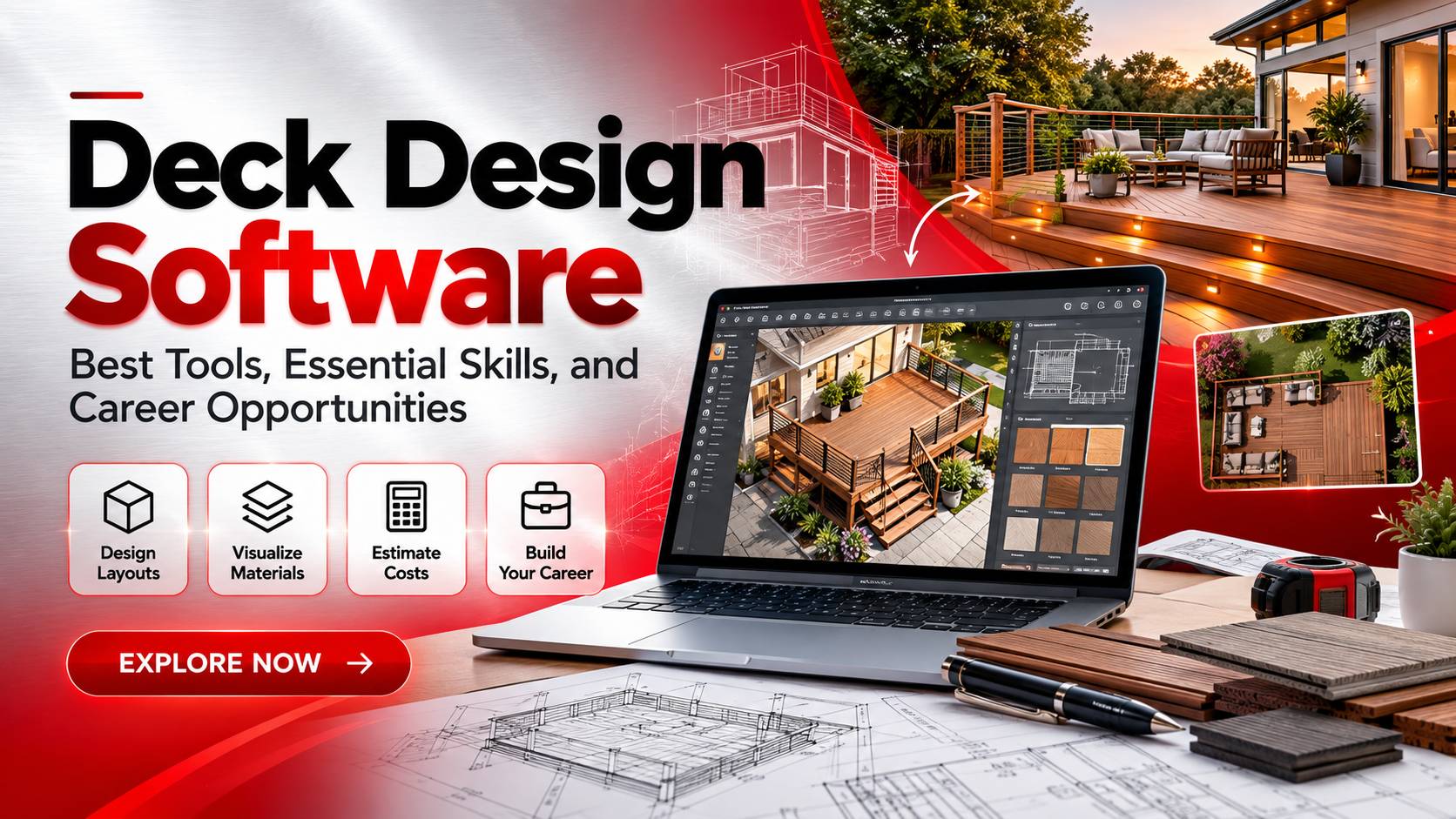
A well-planned deck can turn an underused backyard into a practical outdoor living area, but getting the design right takes more than choosing attractive decking boards. Measurements, stair placement, railing height, material selection, and site conditions all influence the finished structure. Deck Design Software helps bring these decisions together in a digital plan, allowing homeowners, contractors, and designers to examine a project before construction begins.
The benefits extend beyond visualization. Contractors can use digital plans to discuss project costs, compare layouts, and estimate material requirements. Design professionals can communicate technical details more clearly, while job seekers can develop practical skills relevant to drafting, residential design, and construction planning. Choosing suitable software is a useful starting point, but understanding how the design translates into a real structure is what makes those skills valuable.
How Deck Design Software Simplifies Outdoor Design Planning
Deck Design Software allows users to create two-dimensional layouts and three-dimensional models of outdoor structures. Depending on the application, designers can adjust dimensions, position stairs and railings, test different decking materials, and see how a proposed deck fits alongside an existing house.
Consider a homeowner planning a deck measuring 12 by 16 feet. The initial layout might place the stairs near the center, but that arrangement could interfere with a nearby walkway or outdoor door. With a digital model, the designer can test a corner staircase, compare alternative configurations, and review the available space before construction starts.
This flexibility also improves client communication. A dimensioned drawing shows the proposed layout, while a three-dimensional rendering helps clients understand the appearance of the finished project. Seeing the relationship between the deck, house, furniture, and surrounding landscape can make design discussions more productive and reduce misunderstandings about the final result.
Some applications also estimate material quantities. Depending on their capabilities, they may calculate approximate requirements for decking boards, posts, fasteners, and other components. Contractors can use these figures to prepare preliminary budgets and compare material options before requesting final quotations.
However, calculating the total deck area isn’t enough to determine the exact number of boards required. Board width, spacing, installation direction, cutting waste, and the shape of the deck all affect the final quantity. Software estimates should therefore be checked against the actual design and the manufacturer’s installation specifications.
Structural safety requires separate attention, too. A realistic model doesn’t prove that a deck can support its intended loads. Footing dimensions, connection details, guardrails, and local building requirements may need additional calculations or professional review. Digital design is most useful when it supports sound construction planning rather than replacing it.
Choosing Deck Design Software for Accurate Professional Results
The right Deck Design Software depends on the project, the user’s experience, and the documents the finished design must provide. A homeowner planning a simple platform may need only basic layout tools, whereas a contractor handling a multilevel deck may require detailed drawings, customizable components, and more advanced modeling features.
Several established applications illustrate these differences. SketchUp is widely used for three-dimensional modeling and can help designers develop custom deck concepts. Chief Architect offers residential design capabilities that may suit broader home and outdoor planning workflows. SmartDraw provides diagramming and plan-making tools that can be useful for simpler layouts. Their suitability depends on the specific task, available features, and current licensing terms; none should be assumed to replace structural engineering calculations.
Beginners should look for a clear interface, adjustable dimensions, reusable components, and accessible learning resources. These features make it easier to experiment with layouts without spending excessive time learning the software. For professional use, dimensioned plans, export options, material libraries, and compatibility with other design tools can be more important than a polished interface alone.
Visualization features deserve attention when the software will be used for client presentations. Realistic textures, adjustable viewpoints, lighting, and landscape elements can help explain how the proposed deck will look. Still, an attractive rendering and a technically complete construction plan serve different purposes.
Budget also influences the decision. Free applications may be sufficient for preliminary concepts, while paid products can offer more customization or documentation features. Before committing to a platform, check its current pricing, export restrictions, supported devices, and licensing conditions.
Deck projects often extend into the surrounding yard, where garden beds, walkways, retaining walls, and changes in ground level affect the overall design. Designers who want to explore these relationships can use free landscape design software to develop a broader understanding of outdoor space planning.
Ultimately, the most useful application is the one that matches the intended workflow. Homeowners may prioritize ease of use and visualization, while contractors and professional designers generally need dependable measurements, practical documentation, and an efficient way to communicate revisions.
Deck Design Software Skills and Career Opportunities
Learning Deck Design Software can support career development in residential drafting, landscape design, architectural visualization, construction estimating, and home improvement consulting. These occupations overlap, but each uses design information differently.
A residential drafter may prepare dimensioned layouts and technical drawings. A landscape designer considers the deck’s relationship to gardens, walkways, and the surrounding terrain. A construction estimator focuses on material quantities, labor assumptions, and preliminary project costs. A visualization specialist concentrates on producing realistic models that help clients evaluate a proposed design.
Understanding these differences helps job seekers choose relevant training. A drafting position may require CAD proficiency and knowledge of drawing standards, while a visualization role may emphasize three-dimensional modeling and presentation quality. An estimating position may place greater weight on measurements, material specifications, spreadsheets, and construction costs.
A portfolio should demonstrate these abilities rather than simply list software names. For example, a deck design project could include a dimensioned plan, stair and railing placement, selected materials, and a three-dimensional rendering. Adding a second layout with a brief explanation of the trade-offs shows that the designer can evaluate alternatives instead of merely producing attractive images.
Candidates interested in residential planning can broaden their knowledge through free home design software. Understanding entrances, windows, outdoor access, and the relationship between indoor and outdoor spaces can lead to more coherent deck proposals.
For technically oriented positions, exploring the best engineering design software may introduce additional modeling and documentation workflows. However, using engineering software doesn’t automatically qualify someone to perform structural calculations or approve construction plans.
Other digital design disciplines offer different ways to develop transferable skills. T-shirt design software focuses on visual composition for printed products, while open-source network design software supports technical planning in network infrastructure. These fields aren’t direct substitutes for deck design, but they illustrate how specialized software serves distinct professional tasks.
For anyone seeking a design-related job, the next step is to review actual vacancies and identify the qualifications employers request. Build projects that demonstrate those skills, learn the relevant tools, and explain the decisions behind each design. Practical evidence of accurate planning and clear communication is more persuasive than claiming familiarity with several applications without showing what you can do.
FAQ Deck Design Software
1. What features should you look for in Deck Design Software in 2026?
Look for accurate dimensioning, customizable deck components, and two-dimensional plans or three-dimensional visualization that suit your project. Material estimation and drawing exports can be especially useful for contractors and professional designers. Applications such as SketchUp, Chief Architect, and SmartDraw support different design workflows, so compare their current capabilities and licensing terms before choosing one. For construction work, verify that the software provides the documentation you need rather than assuming a visual model is sufficient.
2. Can free Deck Design Software produce construction-ready plans?
Some free applications can produce dimensioned layouts and preliminary drawings, but their capabilities vary. A construction plan must account for actual site measurements, material specifications, structural connections, footings, stairs, railings, and applicable local building codes. Basic design tools may not provide detailed structural analysis or every required construction document. Free software can be useful for developing concepts, but complex projects may require additional technical documentation and review by qualified professionals.
3. What jobs can you pursue after learning Deck Design Software?
Relevant career paths include residential drafting, landscape design, architectural visualization, construction estimating, and design support for home improvement contractors. The qualifications depend on the position: drafters may need CAD skills, visualization specialists may need strong modeling portfolios, and estimators must understand quantities and construction costs. Develop sample projects that demonstrate dimensions, material selections, alternative layouts, and clear documentation. Combining software proficiency with construction fundamentals and communication skills can strengthen your application.
Deck Design Software makes outdoor planning more practical by helping users test layouts, visualize materials, and prepare preliminary estimates before construction begins. Its value lies in connecting design ideas with the measurements and decisions needed to move a project forward.
For aspiring professionals, learning these tools can provide a foundation for building a portfolio and pursuing drafting, landscape design, visualization, or construction-related work. The strongest candidates combine software knowledge with an understanding of materials, technical requirements, and client needs.
Choose an application that fits your objectives, practice with realistic projects, and verify critical details before using a digital model for construction. A compelling design can attract attention, but accurate planning and practical judgment make it useful in the real world.